
Virtual Hairstyles for Women Over 50: Try a New Cut on Your Photo
Try virtual hairstyles for women over 50 on your own photo, compare cuts without changing your face, and take a clear shortlist to your stylist.
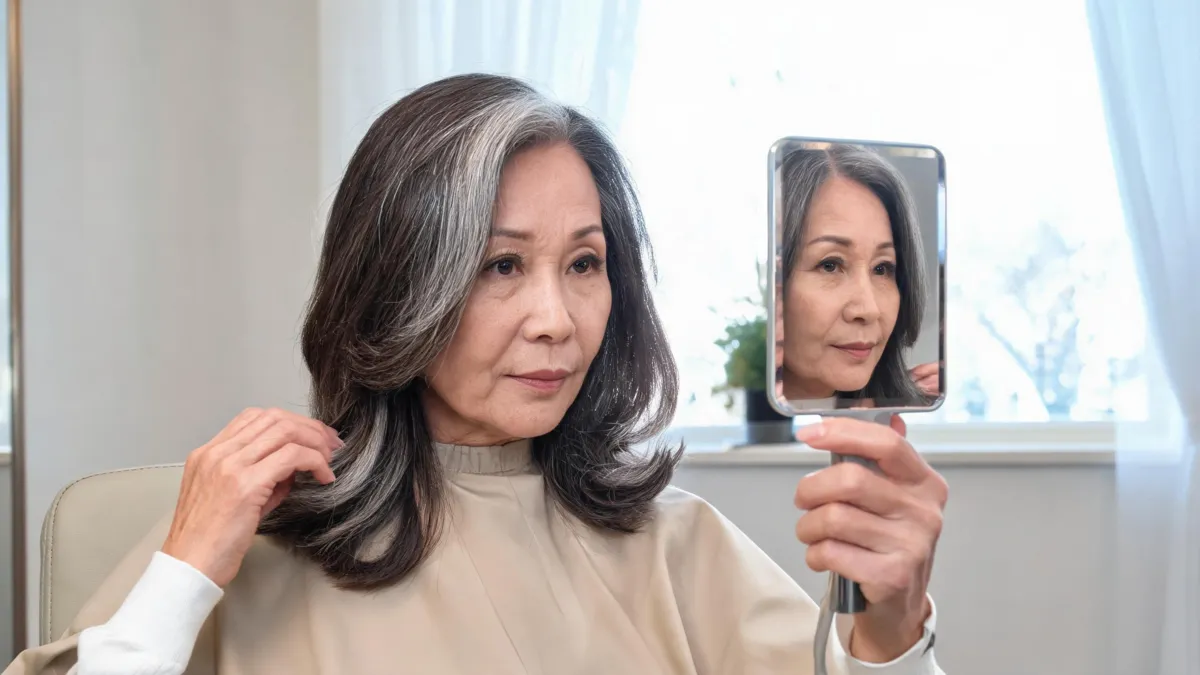
Virtual hairstyles for women over 50 are most useful when they help you compare a few real haircut decisions on your own face—not when they tell you what you “should” wear. Upload one clear photo to the AI hairstyle changer, keep your face and lighting fixed, and test the length, fringe, layers, or part you are actually considering. Then take the two most helpful previews to a stylist.
Last updated: September 7, 2026 · about 7 min read
There is no age cutoff for a bob, long hair, a fringe, or anything else. The useful question is more practical: which change will fit your hair texture, daily routine, and the way you want to feel? A virtual try-on cannot answer all of that, but it can make the first conversation less vague.
Start with one question, not every style at once
A broad prompt such as “make me look better” produces a noisy comparison. Pick one decision for the first round: length, shape around the face, fringe, or part. Use the same neutral, front-facing photo throughout.
| If you are deciding… | Compare first | Hold constant |
|---|---|---|
| Whether to go shorter | Current length, collarbone lob, chin-length bob | Color, part, and texture |
| Whether layers help | One-length shape, soft face framing, longer layers | Overall length |
| Whether to add fringe | No fringe, curtain fringe, soft side fringe | Hair color and lighting |
| Whether to change the silhouette | Middle part, side part, gentle volume at the crown | Cut length |
This is a better use of a virtual haircut simulator than a wall of unrelated styles. If short hair is the actual decision, compare the result with the short-hair checklist before cutting, not with an image of a style you would never ask for.
A good preview gives you language for an appointment: “I like the collarbone length and the softness near my cheekbones.” It does not give you an exact cut formula.
Use a photo that gives the tool a fair chance
The most reliable starting image is a recent, sharp portrait in even light. Show the hairline, both sides of the face, and enough of the current length to make a change readable. A window-facing photo is usually easier to judge than a car selfie, a heavily filtered image, or a photo with hair hidden behind sunglasses, hands, or a hat.
- Take one straight-on photo with your normal part and a relaxed expression.
- Keep the original as your baseline; do not crop away the shoulders if length is part of the choice.
- Make three restrained versions, then save only the two that clarify a real decision.
The best selfie for a hairstyle app guide has a fuller photo checklist. For a cut that changes the outline dramatically, such as a pixie, use a pixie cut filter as one visual reference—not as evidence that the result will suit every texture.
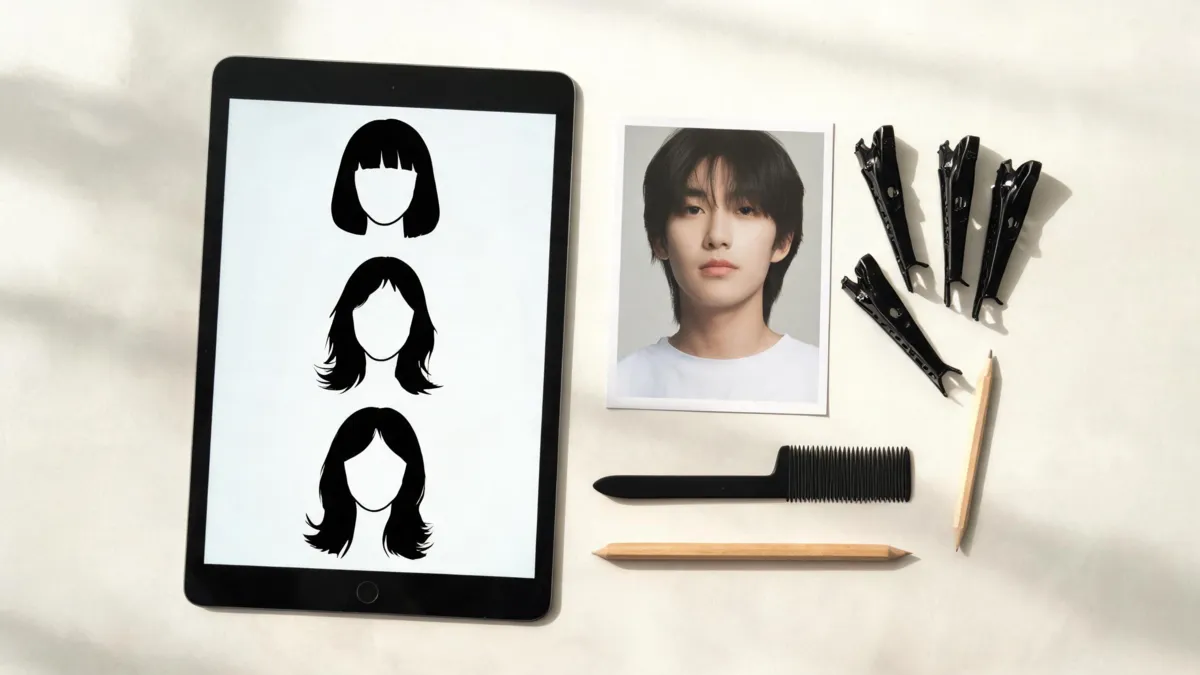
A controlled comparison keeps the question visible: choose between a few plausible directions before asking for a more dramatic change.
Read the preview for shape, not perfection
Look at a result in three passes. First, shrink it to phone size. Does the outline still feel like you? Then inspect the edge around the hairline and ears; that is where a generated cut often looks less convincing. Finally, ask whether the change solves the original question. A preview that is beautiful but unrelated to your lifestyle is not useful.
| What to assess | A preview can help you notice | It cannot establish |
|---|---|---|
| Overall outline | Whether a shorter or softer shape appeals | The exact cutting method |
| Face framing | Whether you prefer openness, fringe, or layers | How a cowlick will sit |
| Visual weight | Whether you like a blunt or more textured impression | Your true density or future growth |
| Everyday fit | Whether the image matches your personal style | Styling time, product needs, or maintenance |
If you are deciding between two related short cuts, the French bob vs. Italian bob comparison can help name the difference. If the question is more about color than length, shift to the AI hair color changer so you do not ask a hairstyle preview to do two jobs at once.
Take the shortlist to a real appointment
Bring the original photo and two previews, plus a short note on your current routine. Tell the stylist what you want to keep and what you are willing to change. Useful details include how often you heat-style, whether you air-dry, how your hair behaves around the crown, and whether you want to return for frequent shaping.
If your hair is newly thinning, shedding more than usual, or your scalp is uncomfortable, a generated hairstyle is not a diagnosis. The American Academy of Dermatology notes that hair loss has many causes and recommends a board-certified dermatologist to help identify the cause. Read its hair-loss guidance.
That distinction matters. A preview is a low-stakes way to explore a look; it is not medical, salon-chemistry, or hair-loss advice.
Limits worth keeping in view
Generated hair can smooth texture, add density, change the hairline, or make a cut look as though it was styled by a professional. Those changes are common image limitations, not guarantees about what your hair will do. Use the output to choose a direction, then let your hair history and a stylist’s assessment decide the details.
Avoid using another person’s portrait, a celebrity image, or a misleading “before” image. Start with your own recent photo and keep the original alongside each preview. That makes it easier to spot when a result has altered more than the hairstyle.
Frequently asked questions
Can I try hairstyles on my own photo for free?
You can start by uploading a clear portrait and using a hairstyle preview to compare a small set of directions. Check the tool's current free allowance before relying on it for a large batch of images.
Which hairstyles should women over 50 try virtually first?
Start with the change you are genuinely considering: a shorter length, a bob or lob, face-framing layers, bangs, or a different part. Compare only a few options on the same photo so the decision stays clear.
Will a virtual hairstyle show exactly what a salon cut will look like?
No. A preview can show a visual direction, but it cannot predict how your hair density, growth pattern, texture, styling routine, or a stylist's technique will behave. Bring it to the appointment as a reference, not a promise.
What if my hair is thinning or changing quickly?
A hairstyle preview can help with style choices, but new or concerning thinning is a health question. Consider speaking with a qualified clinician or dermatologist rather than treating a generated image as advice.
Related guides
- Try the free AI hairstyle changer →
- Hairstyles for women over 50
- How to try a hairstyle on your face
- Best selfie for a hairstyle app
- How to use an AI haircut preview at the salon
Make the next appointment easier
Use the AI hairstyle changer to make a small, honest shortlist. Keep the original beside the two results that answer your question, then ask a stylist how those ideas translate to your hair.